

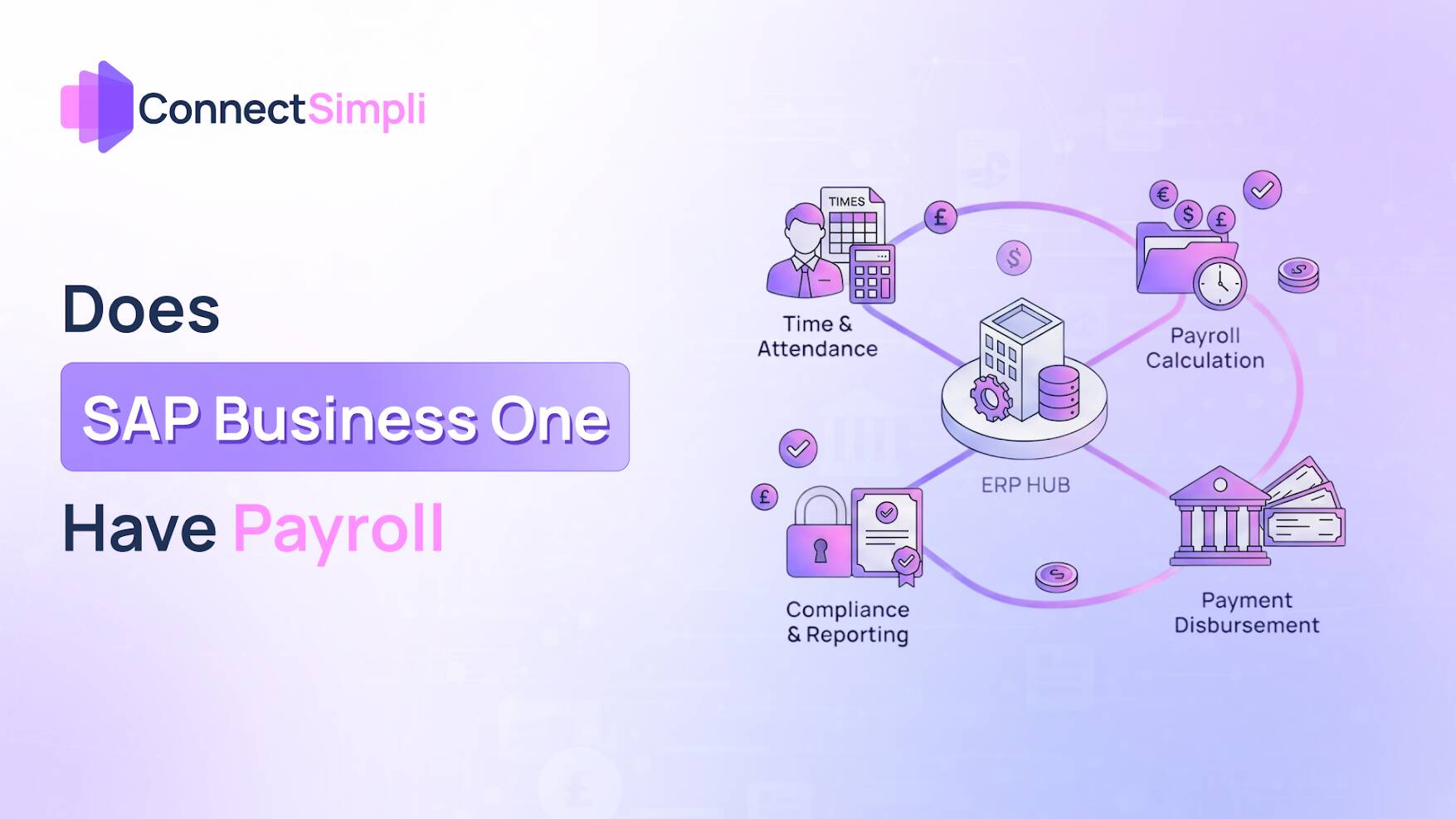
SAP Business One (SAP B1) is the best ERP system for small and medium-sized businesses in the UK. It connects finances, customer relationships, inventories, and operations without any problems. But one question still stands: Can it handle your payroll?
The answer is negative; SAP Business One does not come with a built-in payroll engine. The system is great for keeping track of personnel records, but UK legislation says that Real-Time Information (RTI) submissions, PAYE, National Insurance, Auto-Enrolment pensions, and statutory payments must be handled by special software.
This guide gives a full picture of:
- The built-in features (and problems) of SAP B1.
- How to combine certified payroll solutions.
- The state of UK compliance in 2026/27 and how HMRC is cracking down on it.
- Steps to make sure your payroll processing is still correct and lawful.
Native Capabilities: The HR Module
SAP B1 includes a Human Resources (HR) module that serves as a central data repository.
| Feature | Functionality |
| Employee Master Data | Personal details, bank info, and job roles. |
| Absence Management | Tracks holiday and sickness dates. |
| Reporting | Headcount and departmental cost analysis. |
| Document Storage | Attaches employment contracts and CVs. |
Important: This module cannot calculate Income Tax, process statutory payments, or submit RTI files to HMRC.
Implementation Strategies
Employers usually adopt one of three ways to make up for the payroll gap:
Option 1: Certified SAP B1 Add-Ons
You may find these solutions, such as Indus Novateur, or Produmex, just inside the SAP interface.
- Benefit: The SAP B1 General Ledger automatically posts salary journals.
Option 2: External Software Integration
A lot of companies employ specific UK payroll systems and send data back to SAP B1 through the Service Layer (API).
Key UK Systems:
- Connect Simpli – Cloud-based payroll designed for seamless ERP integration.
- Sage Payroll – Market leader for UK SMEs.
- IRIS – Common among accountancy practices.
- Xero Payroll – Cloud-based option.
- QuickBooks Payroll – Integrated with accounting software.
- Crunch – Online payroll for small businesses.
Option 3: Outsourced Bureau
Outsourcing to a payroll bureau removes the need for in-house expertise, with summary reports provided for manual entry into SAP B1.
UK Compliance 2026/27: Critical Updates
Any solution integrated with SAP B1 must handle the following 2026/27 mandates:
Real-Time Information (RTI)
Submissions must include new mandatory fields:
- Workplace Postcode for specific NI categories.
- Statutory Neonatal Care Pay (SNCP) – New for 2026/27.
“Bank-Proof” Payroll
HMRC now audits payment dates against bank records.
- Risk: Discrepancies between the RTI payment date and the actual bank transaction date can trigger HMRC audits and penalty notices.
Benefits and Pensions
- BIK: P11D forms remain, but payrolling benefits are encouraged ahead of the 2027 mandatory shift.
- Pensions: Mandatory auto-enrolment and re-enrolment every three years.
Technical Data Flow
- HR Module (SAP B1): Source for employee master data and leave dates.
- Payroll Engine (e.g., Connect Simpli): Calculates Gross-to-Net and generates RTI files.
- HMRC Gateway: Receives the FPS (Full Payment Submission).
- Finance Module (SAP B1): Summarized journals posted to Cost Centres automatically.
Pros and Cons Summary
| Pros of SAP B1 with Payroll Integration | Cons to Consider |
| Integrated accounting – costs flow directly to financials | Extra cost for certified add-ons or payroll software |
| Reduced errors – eliminates manual double-entry | Initial setup of tax and pension rules required |
| Powerful reporting – analyse employee costs by department | Staff training on payroll processes may be needed |
| Compliance support – automated RTI submissions | Integration complexity between systems |
Summary: Key Takeaways
In summary, SAP Business One does not have its own way to pay workers, so you need a separate tool to handle the money. Using a program like Connect Simpli is a great way to link your payroll to your main system.
For the 2026/27 year, the government has new rules, and you must report extra details like Statutory Neonatal Care Pay (SNCP) and Workplace Postcodes. You must also make sure the payday you write down is the exact same day the money leaves the bank. Using a good system makes sure everyone gets their P60 papers correctly and keeps their pension money safe.
FAQs (UK Specific)
Can SAP Business One submit RTI to HMRC?
Not on its own. You need either a certified UK payroll add-on or an external payroll system (like Connect Simpli) to handle the digital submission of Full Payment Submissions (FPS).
What are the new statutory payments for 2026?
Statutory Neonatal Care Pay (SNCP) is the major addition, providing up to 12 weeks of paid leave for eligible parents whose babies require neonatal care.
Can employees access payslips through SAP B1?
If using a modern add-on or a cloud-integrated system like Connect Simpli, staff can often access a Self-Service Portal. Otherwise, payslips are distributed via your standalone payroll system.
Glossary of Key Terms
- Auto-Enrolment: Legal requirement to enroll workers into a pension.
- FPS (Full Payment Submission): The RTI report sent to HMRC each payday.
- NICs (National Insurance Contributions): Mandatory payments to fund state benefits.
- PAYE (Pay As You Earn): System for collecting Income Tax directly from pay.